

STEP 1: JOIN THE CHALLENGE
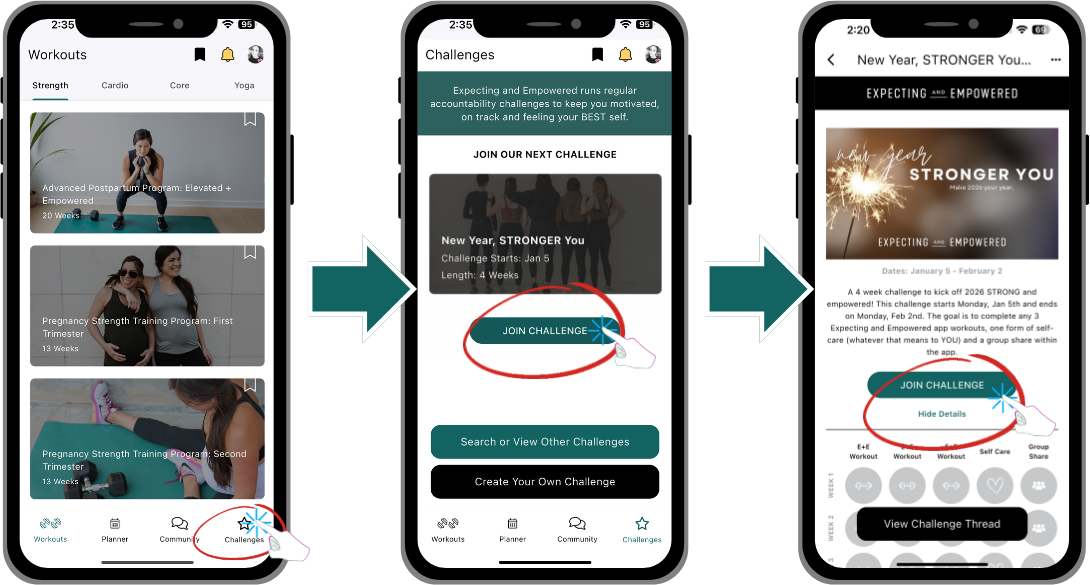
OPEN the Expecting and Empowered Workout App
Select the Challenges (located on the bottom right)
Select “JOIN CHALLENGE”
Select “JOIN CHALLENGE” from the Challenge page
You’ve joined the challenge! The Workout App will automatically log your in-app workouts (only logs 1 workout per day) as you complete them. You will need to manually log any 2nd workout of the day, your Group Share AND Self Care.
STEP 2: JOIN AN ACCOUNTABILITY GROUP
Accountability Groups are created inside of the Expecting and Empowered Workout App. Accountability Groups are based on your stage of pregnancy (TTC through Postpartum and Further Out. Join the Accountability Group that best describes your current status. Here is the list of the New Year, Stronger You Challenge Accountability Groups (names as they appear inside the Expecting and Empowered Workout App:
New Year, Stronger You Challenge: TTC (trying to conceive)
New Year, Stronger You Challenge: Pregnant (includes 1st trimester, 2nd trimester, 3rd trimester)
New Year, Stronger You Challenge: Postpartum (birth to 1 year)
New Year, Stronger You Challenge: Further Out (1 year + postpartum)
Here’s how to Join your Accountability Group:
DIRECTIONS:
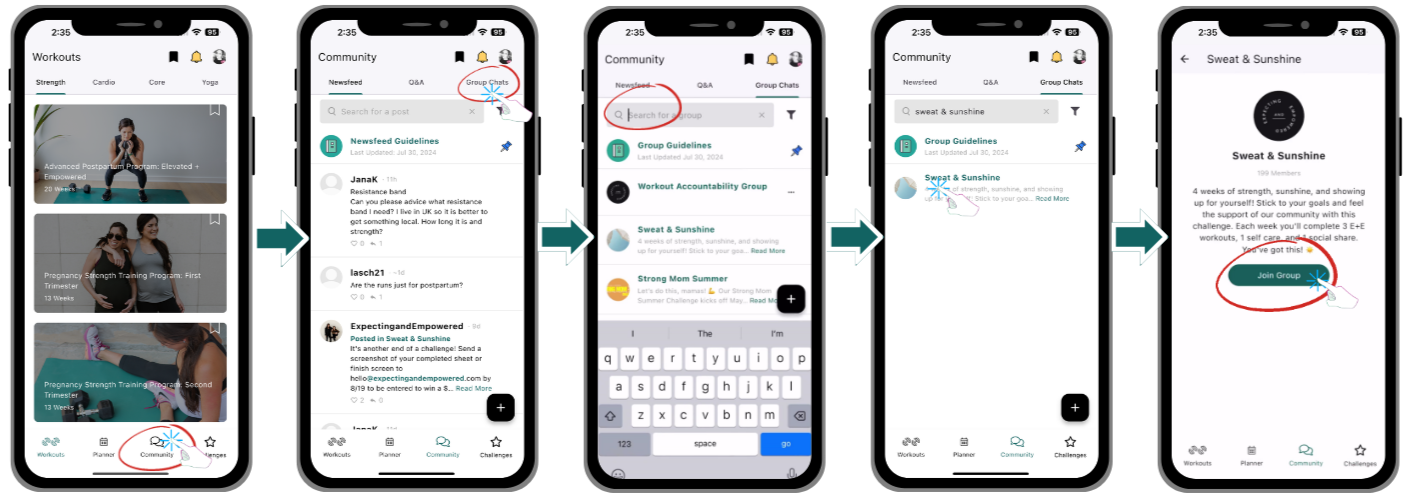
OPEN the Expecting and Empowered Workout App
Select the Community Tab (located on the bottom)
Select Group Chats (at the top right)
Type your accountability group name into the “Search for a group” box (at the top)
Select “Join Group”
You’re in! Start chatting with your fellow group members.
STEP 3: LOG YOUR PROGRESS
For The New Year, STRONGER You Challenge, each week you’ll complete:
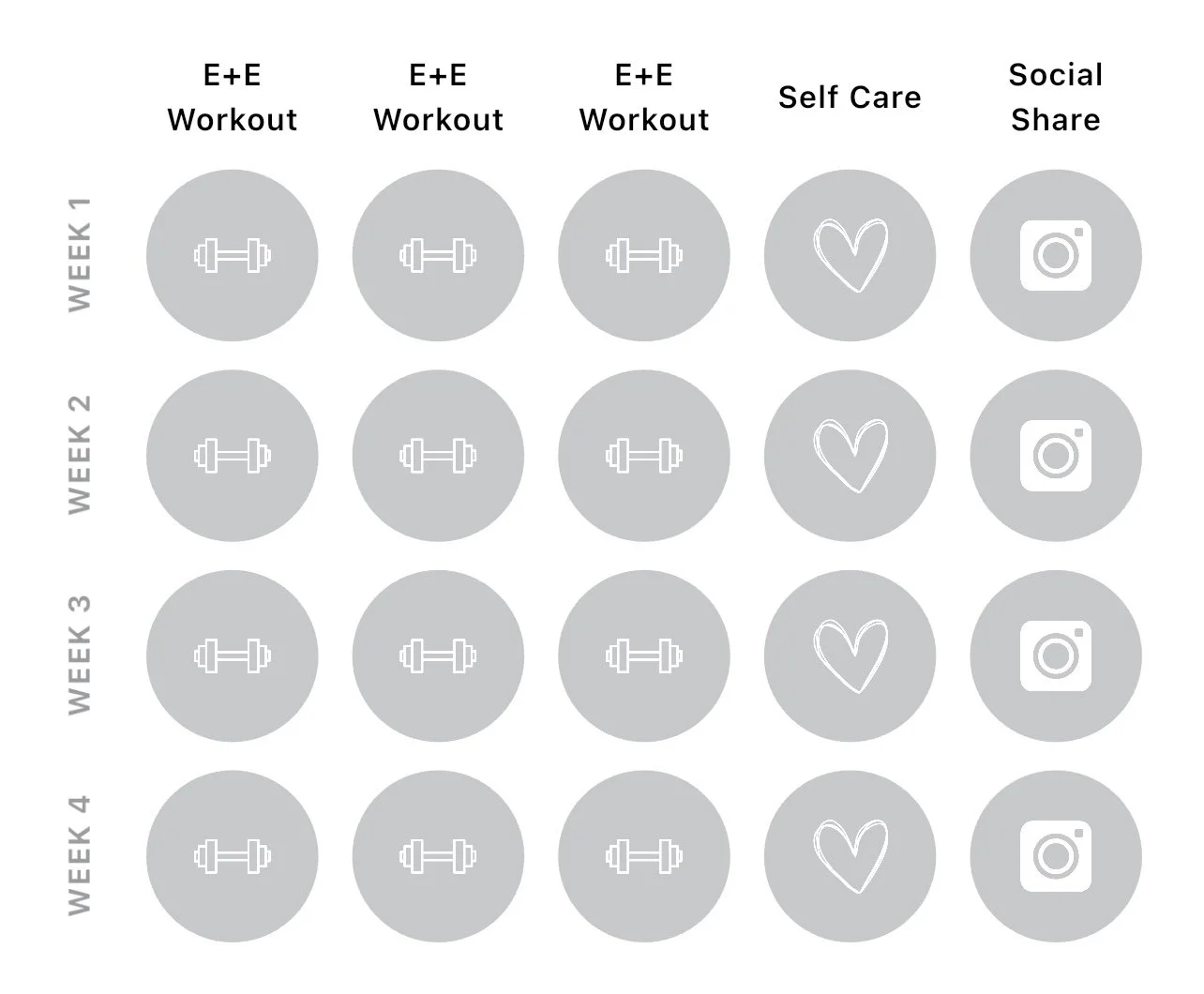
✅ 3 workouts (your choice)
✅ 1 act of self-care (your choice—maybe an hour of reading, a walk, or something just for you)
✅ 1 share—post in your accountability group or on social media to celebrate your progress!
It’s all about movement, mindfulness, and connection—simple steps that add up to lasting change.
3 workouts - The Workout App will automatically log your in-app workouts (only logs 1 workout per day) as you complete them. You will need to manually log any 2nd workout of the day, your Group Share AND Self Care.
1 act of self-care - You will need to manually mark as completed.
1 share - You will need to manually mark as completed.
How do you LOG these?
STEP 4: COMPLETE CHALLENGE TO BE ENTERED TO WIN PRIZES!!
After completing the challenge, take a screenshot of your completed challenge board from the Workout App and email it to hello@expectingandempowered.com to receive ONE entry.
Share an Instagram story about the challenge and tag @expectingandempowered to receive ONE additional entry.
Share an Instagram story explaining what you love most about our Workout App and tag @expectingandempowered to receive TWO additional entries.
You may share as many days as you’d like during the challenge; however, only one entry per day will be counted.
PRIZES
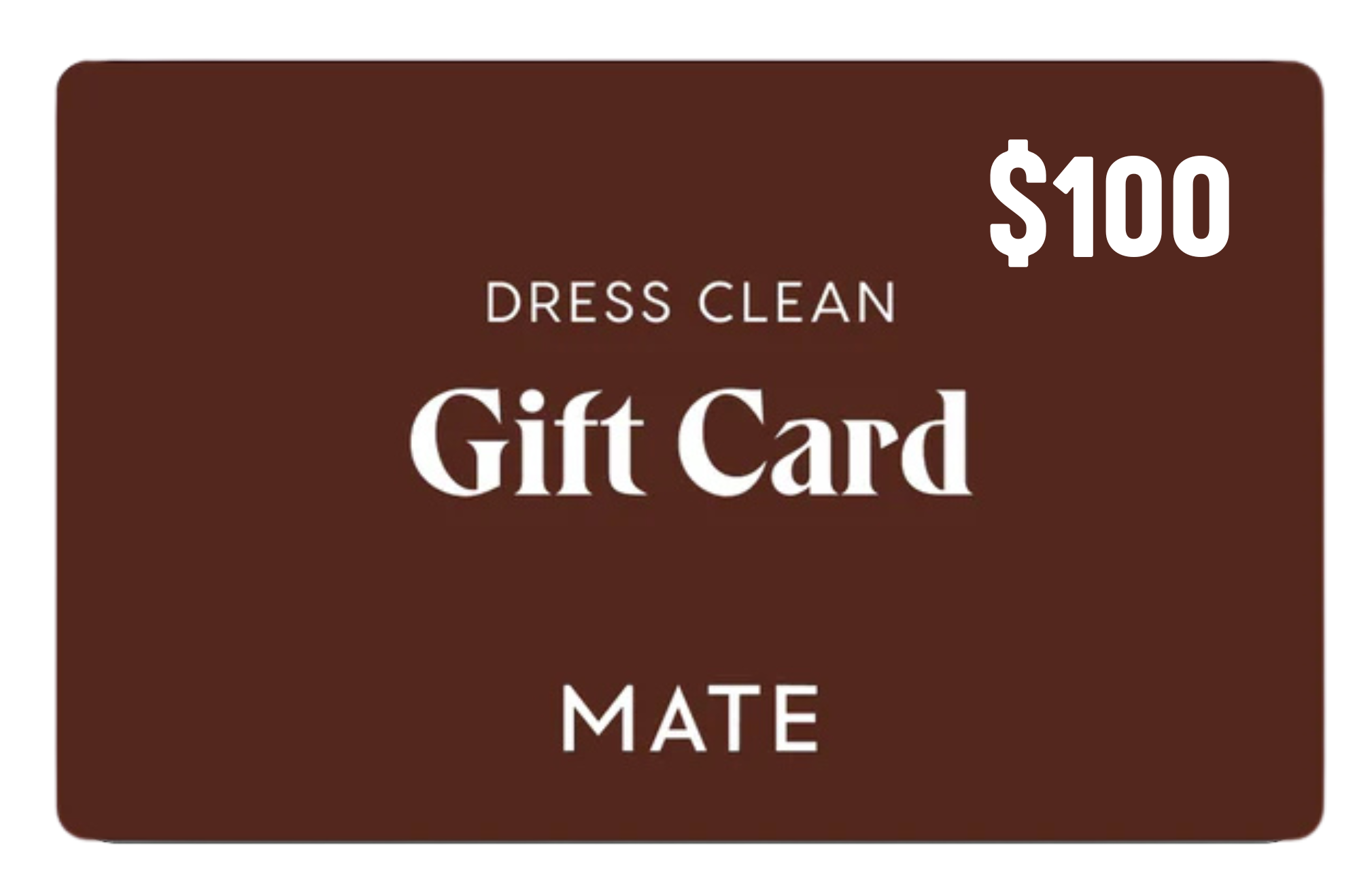

PRIZE #1: $100 GIFT CARD TO MATE THE LABEL
PRIZE #2: OUR FAVORITE THINGS BASKET INCLUDING: FACE MASK, UNDER EYE MASK, TONGUE SCRAPER, E+E WATER BOTTLE + LMNT, TOE SPACERS, + GRATITUDE JOURNAL!
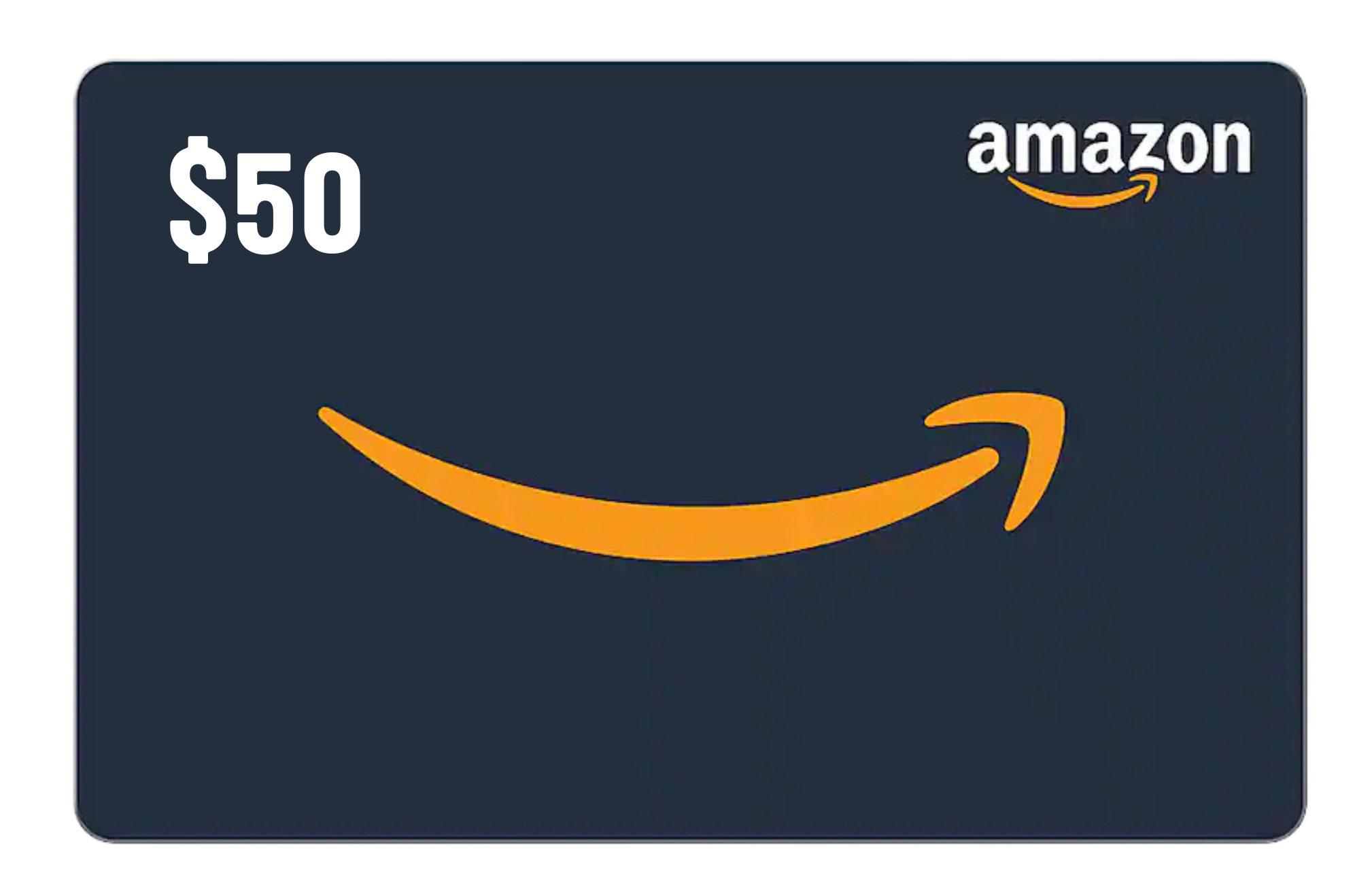
PRIZE #3: $50 GIFT CARD TO AMAZON